

Detailed Trip History in Wialon
Wialon Detailed Trip History gives fleet managers a clear record of where vehicles travelled and what happened during each journey. Depending on the available data and configuration, users can review routes, trip times, locations, mileage, speeds, stops, and parking periods. This helps businesses answer operational questions using recorded vehicle data.
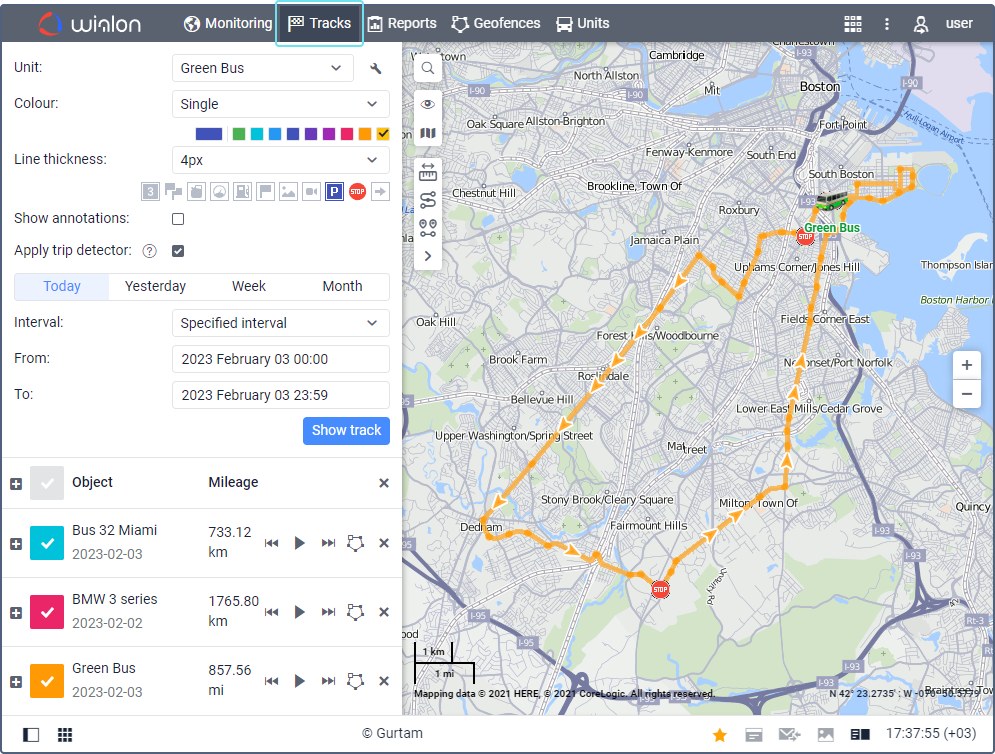
Review Every Journey on a Map
Wialon displays historical vehicle routes on an interactive map. Track points can show the date, time, address, coordinates, speed, geofence, and available sensor data. Managers can also replay tracks to understand how a journey progressed and investigate past activity.

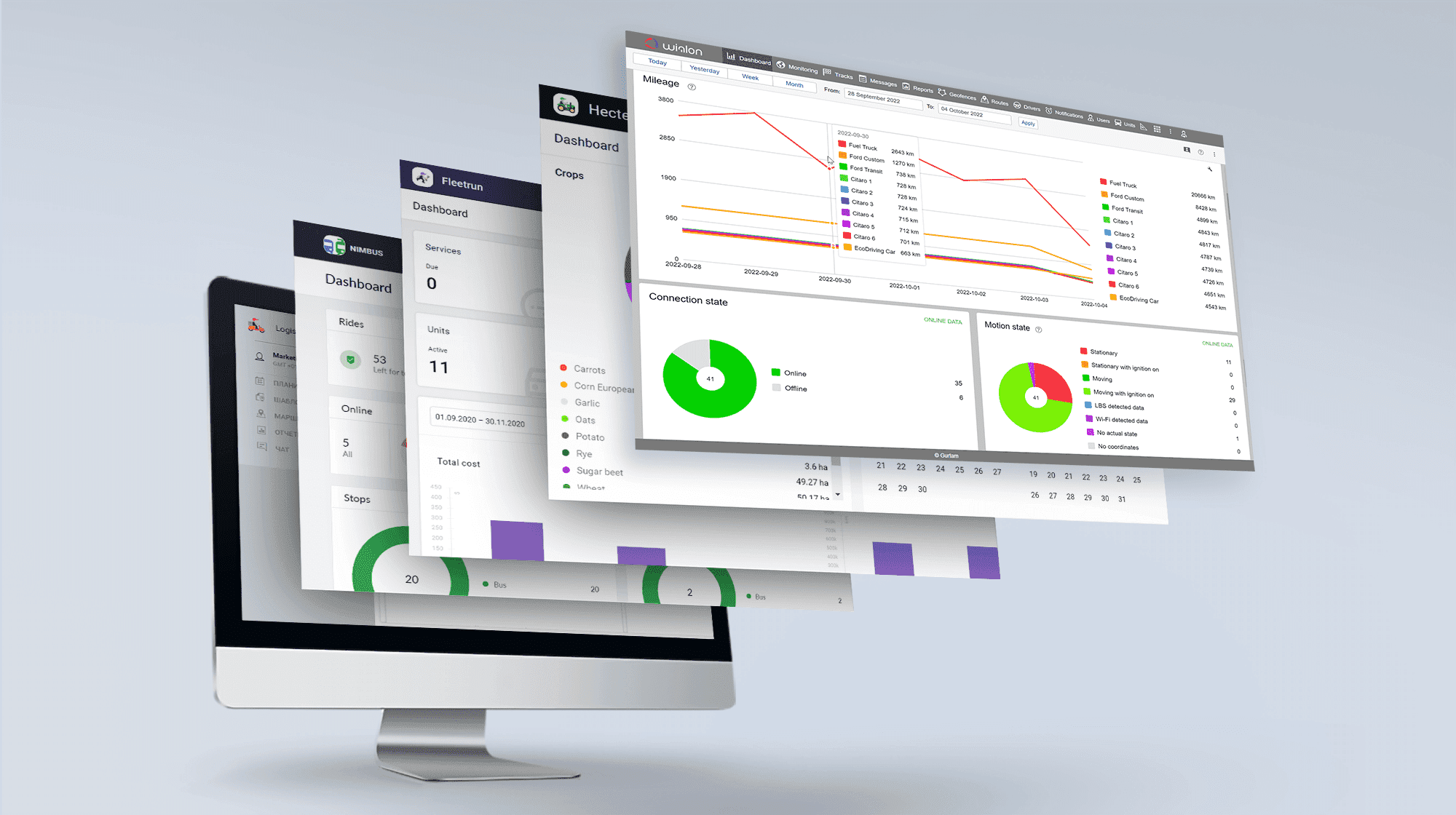
Identify Inefficient Routes and Delays
Trip history allows managers to compare actual routes with planned activity. Mileage, travel time, stops, parking periods, and detours can reveal inefficient routing, excessive waiting, or scheduling problems. These insights can help reduce unnecessary mileage and improve fleet productivity.
Support Customer Service and Resolve Disputes
When a customer questions an arrival, delivery, or service visit, Wialon provides a time-stamped record of the vehicle’s reported movements. Managers can review when the vehicle arrived, where it stopped, and how long it remained nearby. GPS history can support an investigation, although it does not independently confirm that the assigned work was completed.

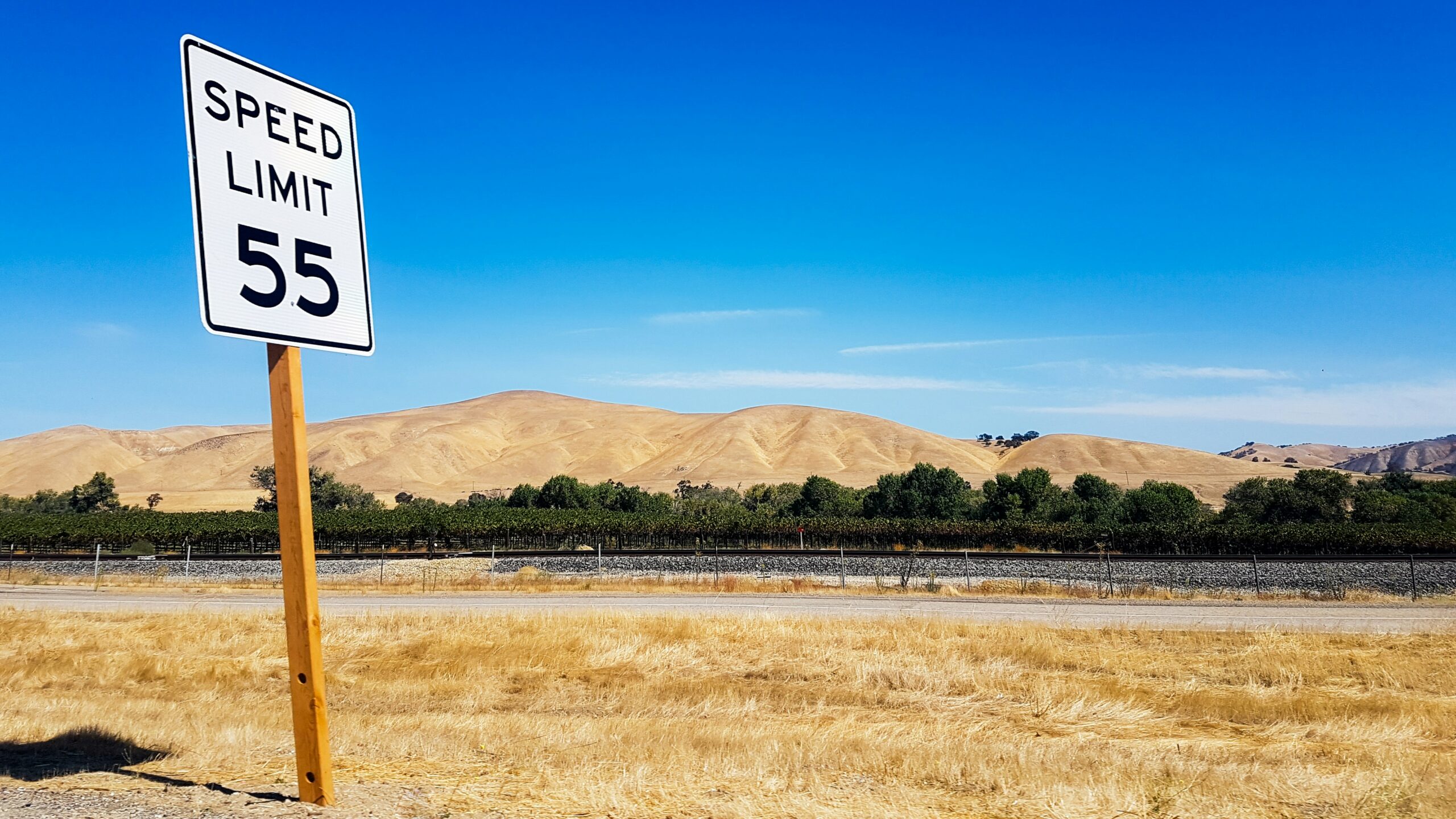
Investigate Speeding and Driving Events
Historical tracks can display detected events such as speeding, stops, fuel fillings, and fuel drains when supported by the available data and settings. Managers can review where and when an event occurred, supporting more informed driver coaching and safety discussions.
Turn Trip Data into Useful Reports
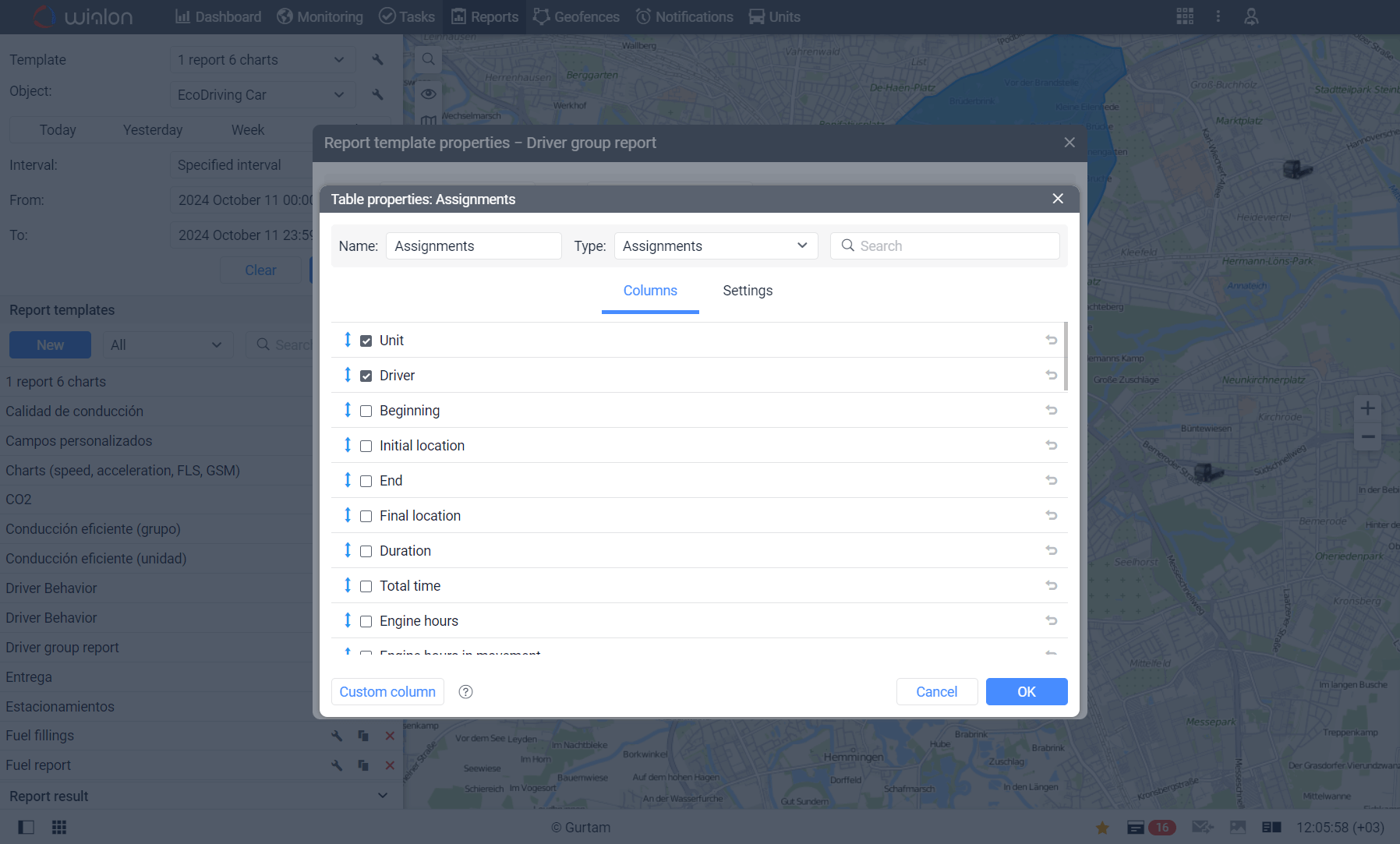
Wialon can organize recorded journeys into reports showing trip locations, duration, mileage, speed, driver assignments, engine hours, and available fuel information. These reports help businesses evaluate vehicle use, document operations, and identify trends that may be difficult to see on a live map.
Improve Fleet Visibility with Forall Tracking
Detailed Trip History supports better route planning, customer service, driver coaching, and operational reporting. Forall Tracking can help you select compatible GPS hardware and configure Wialon around your fleet’s needs. Contact us to learn how detailed trip history can improve visibility across your operations.
Frequently Asked Questions
What is Detailed Trip History in Wialon?
Detailed Trip History is a record of a tracked vehicle’s previous journeys. It can show routes, trip times, locations, mileage, speeds, stops, parking periods, and other available vehicle data.
How does Wialon record trip history?
Wialon creates trip history using location and operational data transmitted by the installed GPS tracking device. The available details depend on the hardware, connected sensors, trip-detection settings, and system configuration.
Can users view previous vehicle routes on a map?
Yes. Wialon can display a vehicle’s historical route as a track on an interactive map for a selected period.
What information can appear at a track point?
A track point may show the date, time, address, coordinates, speed, nearby geofence, and available sensor values. The exact information depends on the data reported by the tracking device.
Can Wialon replay a vehicle’s journey?
Yes. Track playback allows users to review how a vehicle moved along its recorded route over time. This can help managers reconstruct past activity and investigate operational events.
Does trip history show starting and ending locations?
Yes. Wialon trip reports can show the beginning and ending time and location of each detected journey.
Can Wialon identify stops and parking periods?
Yes. Depending on the trip-detection settings and available data, Wialon can identify stops, parking periods, and periods between trips.
How can trip history help improve route planning?
Managers can compare actual vehicle routes with expected routes to identify detours, unnecessary mileage, repeated delays, and inefficient travel patterns. These insights can support better route and schedule planning.
Can trip history help reduce unnecessary mileage?
Yes. Reviewing repeated detours, unplanned trips, and inefficient routing can help managers identify opportunities to reduce unnecessary vehicle travel.
How can trip history improve fleet productivity?
Trip history shows how vehicles are being used throughout the workday. Managers can review travel time, stops, parking periods, mileage, and delays to identify ways to use vehicles and working hours more efficiently.
Can Wialon trip history help resolve customer disputes?
Yes. Managers can review when a tracked vehicle approached a customer location, where it stopped, and how long it remained nearby. This information can support investigations into disputed arrivals, deliveries, or service visits.
Does GPS trip history prove that a job or delivery was completed?
No. Trip history can support evidence that a vehicle visited a location, but it does not independently prove that a delivery was made or work was completed. Other records may still be required.
Can trip history show speeding events?
Historical tracks can display detected speeding events when the required location and speed data are available and the appropriate settings have been configured.
How can trip history support driver coaching?
Managers can review the time, location, speed, and surrounding context of recorded driving events. This supports more informed discussions about speeding, route choices, stops, and other operating patterns.
Can Wialon show fuel events in trip history?
Wialon can display detected fuel fillings, fuel drains, and fuel-related report data when compatible sensors are installed and properly configured.
Can trip reports include driver information?
Yes. Trip reports can include an assigned driver when driver identification and assignment features are being used correctly.
What information can be included in a Wialon trip report?
A trip report may include starting and ending locations, trip times, duration, mileage, average speed, maximum speed, driver assignments, engine hours, and available fuel information.
Can trip history be reviewed for multiple vehicles?
Wialon reports can be created for individual vehicles or groups of vehicles, depending on the report template, enabled features, and account configuration.
How accurate is Wialon Detailed Trip History?
Accuracy depends on the GPS tracking device, reporting frequency, satellite reception, mobile connectivity, sensor accuracy, and Wialon configuration. Data gaps may occur if the device cannot determine or transmit its location.
How can Forall Tracking help businesses use Detailed Trip History?
Forall Tracking can help businesses select compatible GPS hardware, configure Wialon trip-detection settings, and create reports suited to their operations. This helps fleets turn recorded trip data into useful information for planning, customer service, driver coaching, and reporting.

Check Pricing
All of our GPS tracking solutions are customized for your business and tailored to your budget...

Return on Investment
At GPS Tracking Canada, we understand that every company benefits from GPS Tracking in different ways...

Request a Demo
Get a live one-on-one demonstration from GPS Tracking Canada. See for yourself how customized...
For more information, or to schedule a demo or an installation,