

Wialon Custom Alerts and Notifications
Wialon Custom Alerts and Notifications help fleet managers respond to important vehicle and asset activity without continuously watching a live map. Businesses can create rules for operational events such as speeding, geofence entry or exit, ignition changes, maintenance intervals, connectivity loss, fuel-related events, and specific sensor values. When the selected conditions are met, Wialon can perform configured actions, including displaying an online alert or sending a notification by email, SMS, or mobile push. Available conditions and delivery methods depend on the account configuration, tracking hardware, connected sensors, and enabled services.
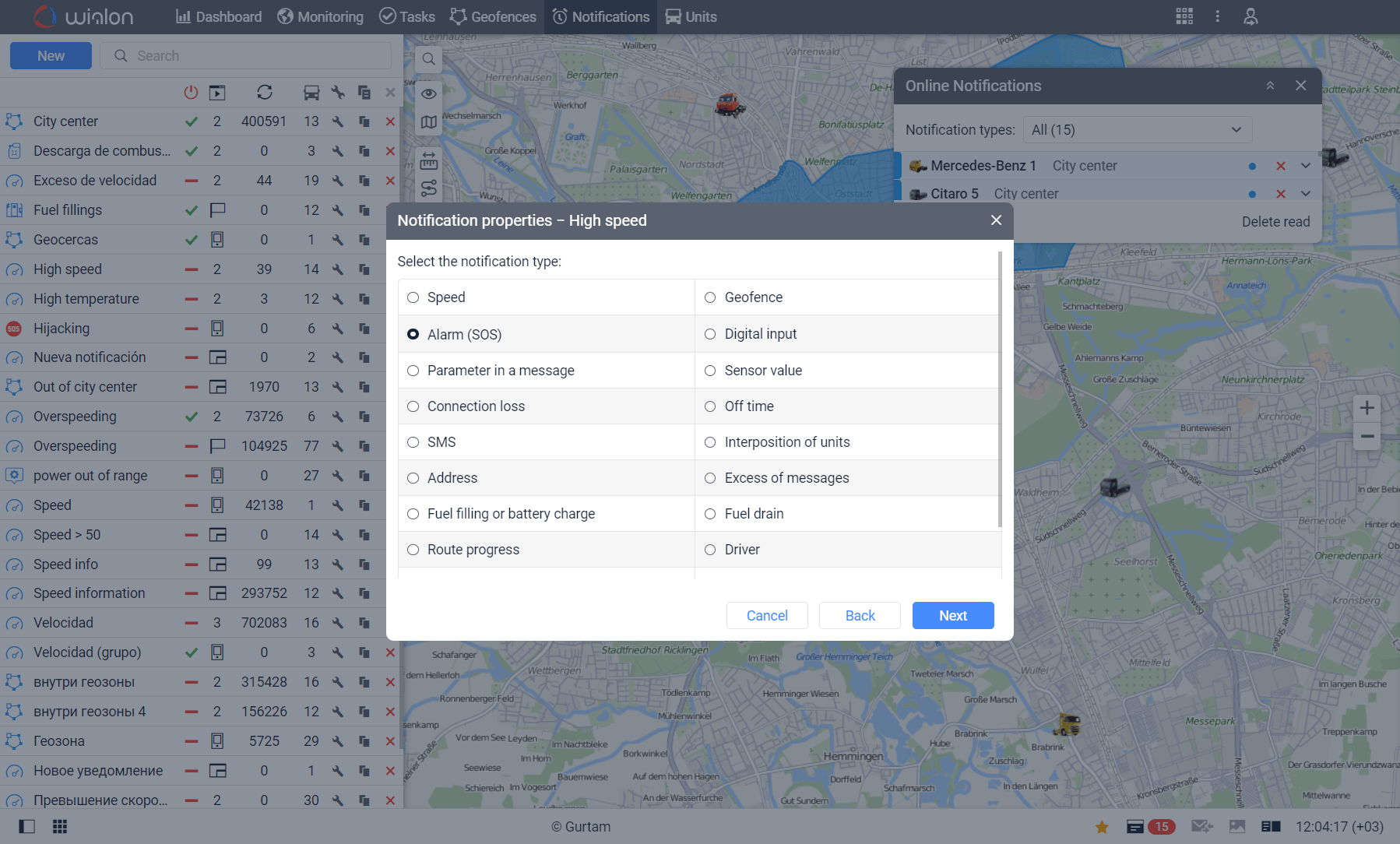
Respond Faster to Safety and Security Events
Custom Wialon alerts can help fleet managers identify potentially urgent events as they occur. Notifications may be configured for speeding, unauthorized geofence exits, unexpected ignition activity, connection loss, panic-button activation, or other supported conditions. Receiving timely information allows the appropriate team member to investigate sooner, contact the driver, confirm the vehicle’s status, or follow the company’s response procedure. This proactive approach can strengthen vehicle security, support safer driving practices, and reduce the delay between an operational event and management action.


Create Alerts Around Your Fleet’s Operating Rules
Wialon notifications can be tailored to the needs of different vehicles, asset groups, locations, schedules, and workflows. Conditions can be combined using AND and OR logic, allowing businesses to create more precise scenarios and reduce unnecessary alerts. For example, a fleet could monitor a fuel-level decrease while the ignition is off and the vehicle is outside an approved geofence. Notification schedules and triggering limitations can also help teams focus on activity that occurs during relevant operating periods. This flexibility makes alerts more useful because managers receive information that reflects their actual fleet policies and priorities.
Deliver Important Information to the Right People
Wialon can route notifications through multiple supported channels so that important information reaches the people responsible for responding. Depending on the configuration and enabled services, alerts can appear in Wialon, arrive by email or SMS, or be delivered as mobile push notifications. Wialon can also register triggered events in a unit’s history, providing records that may be reviewed in reports. By directing relevant alerts to dispatchers, safety personnel, maintenance teams, or fleet managers, businesses can improve internal communication, establish clearer response procedures, and reduce the chance that important fleet activity will be overlooked.
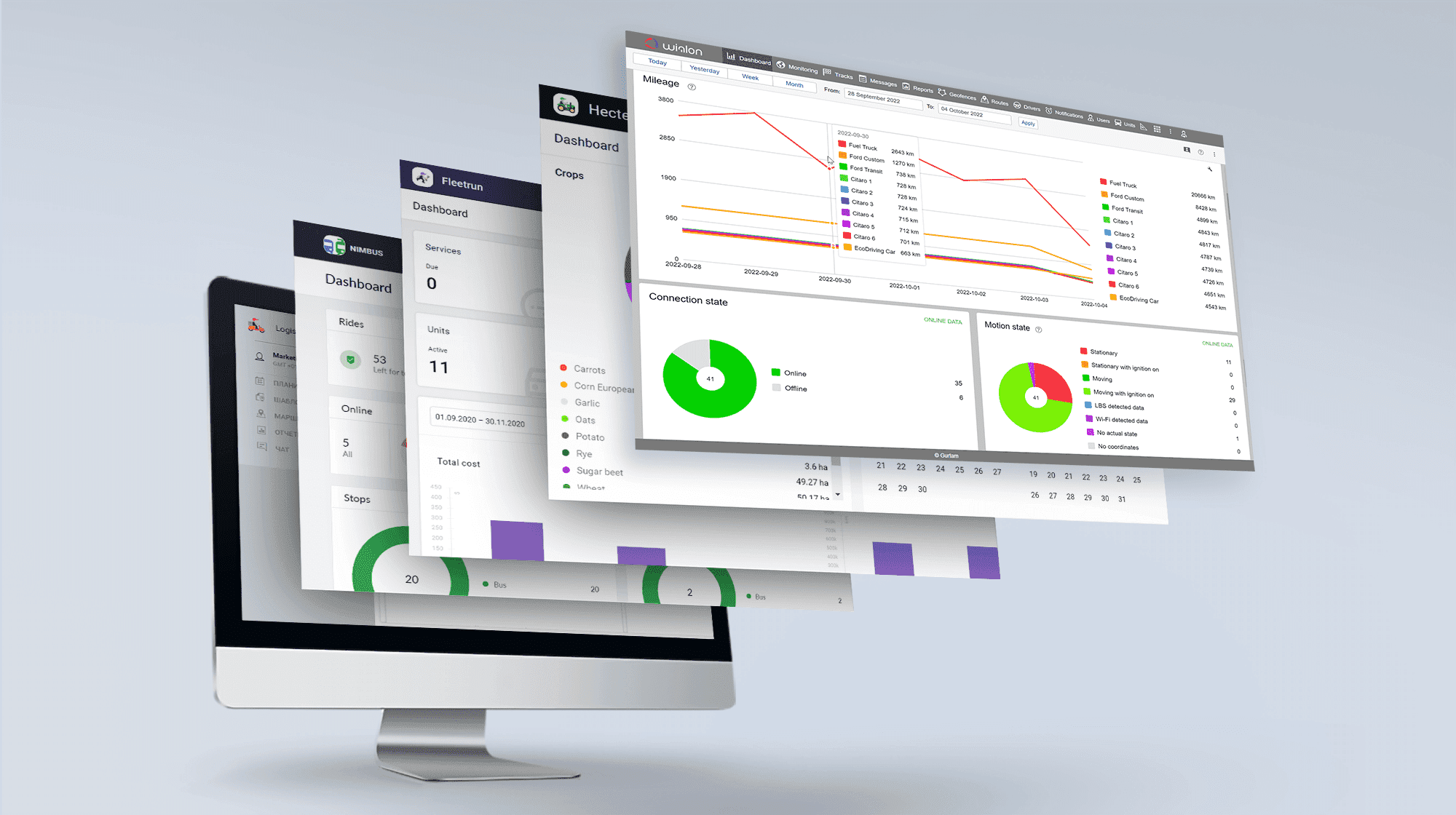
Turn Fleet Data Into Timely Action with Forall Tracking
Wialon Custom Alerts and Notifications transform incoming vehicle and sensor data into practical information that fleet teams can act on. With properly configured conditions, schedules, recipients, and notification methods, businesses can monitor safety risks, security concerns, maintenance requirements, location activity, and other operational exceptions more efficiently. The accuracy and availability of each alert depend on the installed GPS device, sensor data, communication coverage, and system configuration. Contact us at Forall Tracking to discuss your fleet requirements and learn how Wialon notifications can be configured to support your daily operations.
Frequently Asked Questions
What are Custom Alerts and Notifications in Wialon?
Wialon Custom Alerts and Notifications are configurable rules that monitor vehicles and assets for selected events. When specified conditions are met, Wialon can notify users or perform other configured actions.
What events can trigger a Wialon notification?
Wialon can monitor events such as speeding, geofence entry or exit, ignition changes, connection loss, maintenance intervals, fuel-related activity, and sensor values. Available conditions depend on the tracking device, sensors, account settings, and enabled services.
Can Wialon alert me when a vehicle enters or leaves a geofence?
Yes. Notifications can be configured to trigger when a tracked vehicle or asset enters or exits selected geofences, such as depots, customer locations, job sites, or restricted areas.
Can Wialon send speeding alerts?
Yes. Wialon can notify fleet managers when a vehicle travels above a configured speed range. Speeding notifications can help teams investigate unsafe driving and reinforce fleet safety policies.
Can Wialon detect unauthorized vehicle use?
Wialon can help identify potential unauthorized use by monitoring ignition activity, movement, geofence events, and other conditions. Schedules can be applied to focus notifications on evenings, weekends, or other restricted periods.
Can Wialon notify me if a GPS tracker stops transmitting?
Yes. A connection-loss notification can indicate that Wialon has not received data from a tracking device for a specified period. The cause may include poor coverage, power loss, device problems, or possible tampering and should be investigated.
Can Wialon monitor custom sensor values?
Yes. Wialon can generate notifications when compatible connected sensors report values inside or outside configured ranges. This may support monitoring of temperature, fuel level, ignition, voltage, and other available measurements.
Can Wialon create maintenance reminders?
Yes. Notifications can be connected to configured service intervals to help teams identify upcoming or overdue maintenance. Service intervals may be based on criteria such as mileage, engine hours, or elapsed time.
Can Wialon alert managers about possible fuel theft?
Wialon can monitor supported fuel-level data and generate notifications for detected fuel drains or other selected fuel conditions. Reliable fuel monitoring requires compatible hardware, properly installed sensors, and accurate configuration.
How are Wialon notifications delivered?
Depending on the account configuration and enabled services, Wialon notifications can be displayed within the platform or delivered through channels such as email, SMS, and mobile push notifications. Additional integrations may also be available.
Can Wialon send alerts to a mobile phone?
Yes. Authorized users can receive push notifications through a supported mobile application when mobile notifications are properly configured and enabled on their devices.
Can several people receive the same Wialon alert?
Yes. Notifications can be directed to multiple recipients when the selected delivery method supports them. This allows dispatchers, safety managers, maintenance teams, or other authorized personnel to receive relevant information.
Can different employees receive different types of alerts?
Yes. Businesses can configure separate notifications for different operational responsibilities. For example, safety personnel may receive speeding alerts while maintenance staff receive service reminders or sensor warnings.
Can Wialon notifications operate only during selected hours?
Yes. Notification schedules can restrict monitoring to specified days and times. This is useful for identifying after-hours movement, weekend use, or activity outside approved operating schedules.
Can multiple conditions be combined in one Wialon notification?
Yes. Supported conditions can be combined using AND or OR logic. This allows businesses to build more precise scenarios based on several operational factors instead of relying on one event alone.
How can Wialon reduce unnecessary alerts?
Notification schedules, condition combinations, triggering limitations, and carefully selected thresholds can help reduce alert noise. Proper configuration allows fleet managers to focus on events that require review or action.
Can Wialon alerts apply to multiple vehicles?
Yes. A notification can monitor selected vehicles, assets, or unit groups. This makes it possible to apply consistent operational rules across part or all of a fleet.
Are triggered Wialon notifications recorded?
Wialon can be configured to register triggered events in a unit’s history. These records may then be reviewed in relevant reports, depending on the notification action, access rights, and report configuration.
Are Wialon notifications always immediate?
Wialon processes notifications after it receives the required data from the tracking device. Delivery time can be affected by cellular coverage, device transmission intervals, internet connectivity, sensor performance, and the selected notification channel.
What is required to set up accurate Wialon alerts?
Accurate alerts require compatible GPS hardware, properly configured sensors, reliable transmitted data, suitable thresholds, and correctly selected notification rules. Forall Tracking can help businesses configure Wialon alerts around their vehicles, assets, operating schedules, and fleet-management priorities.

Check Pricing
All of our GPS tracking solutions are customized for your business and tailored to your budget...

Return on Investment
At GPS Tracking Canada, we understand that every company benefits from GPS Tracking in different ways...

Request a Demo
Get a live one-on-one demonstration from GPS Tracking Canada. See for yourself how customized...
For more information, or to schedule a demo or an installation,