

Wialon IFTA Mileage
Wialon’s IFTA Mileage by State or Province feature helps commercial fleets organize the distance their vehicles travel in each jurisdiction. Using GPS location data, configured geographic boundaries, and detailed mileage reports, Wialon provides the jurisdiction-level records needed to support quarterly IFTA preparation. This reduces dependence on driver notes and manual mileage calculations while giving fleet managers clearer, more consistent information to review before filing. Wialon calculates mileage according to the vehicle’s configured mileage counter and reporting settings.

Automatically Organize Mileage by State or Province
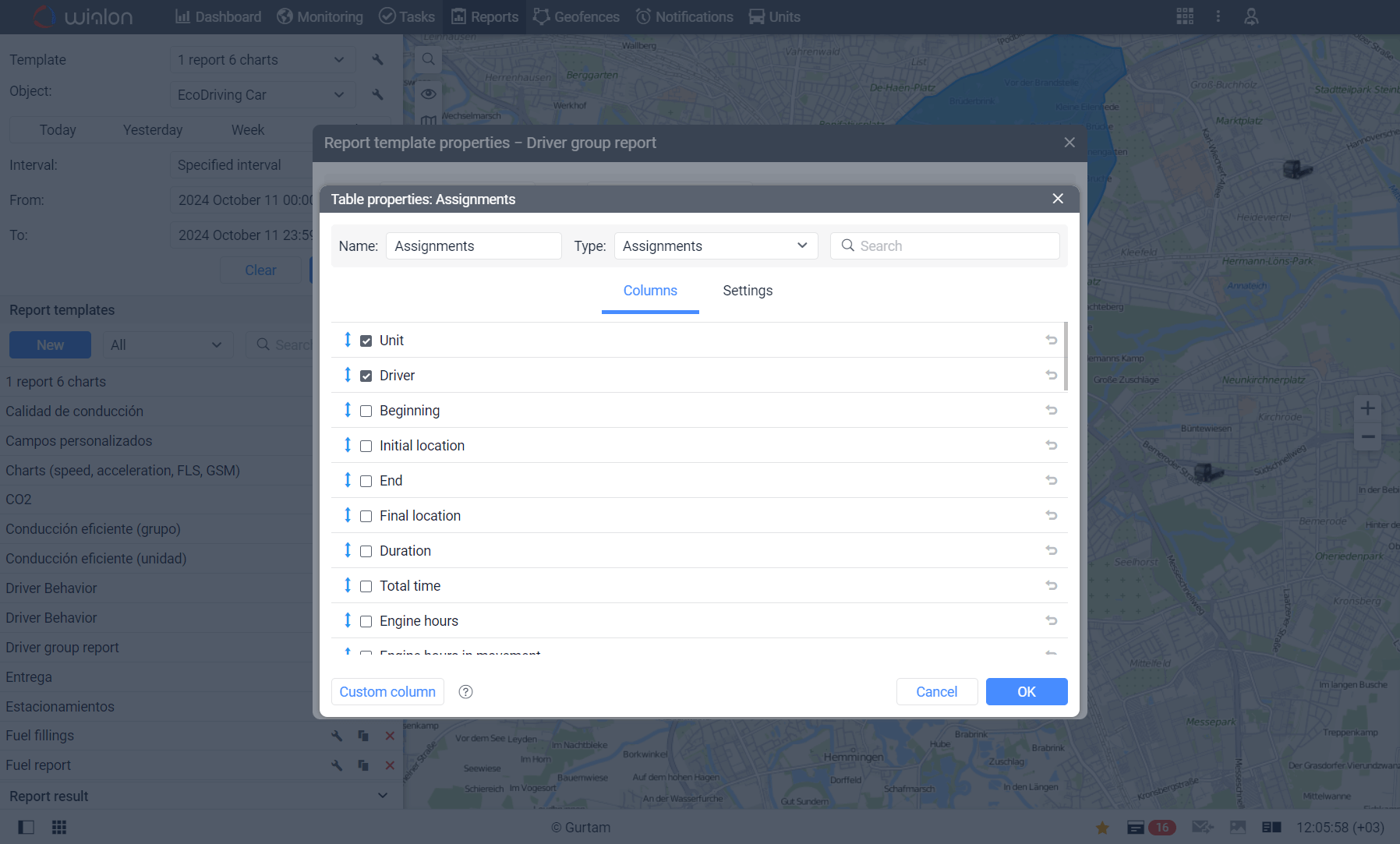
When state and provincial boundaries are properly configured as geofences, Wialon can calculate how far each tracked vehicle travels within those areas. Reports can show the jurisdiction, entry and exit times, time spent in the area, and mileage recorded inside the boundary. This gives fleets a more efficient way to separate interstate and interprovincial mileage without requiring drivers or office staff to reconstruct every trip manually.

Reduce the Administrative Work of IFTA Preparation
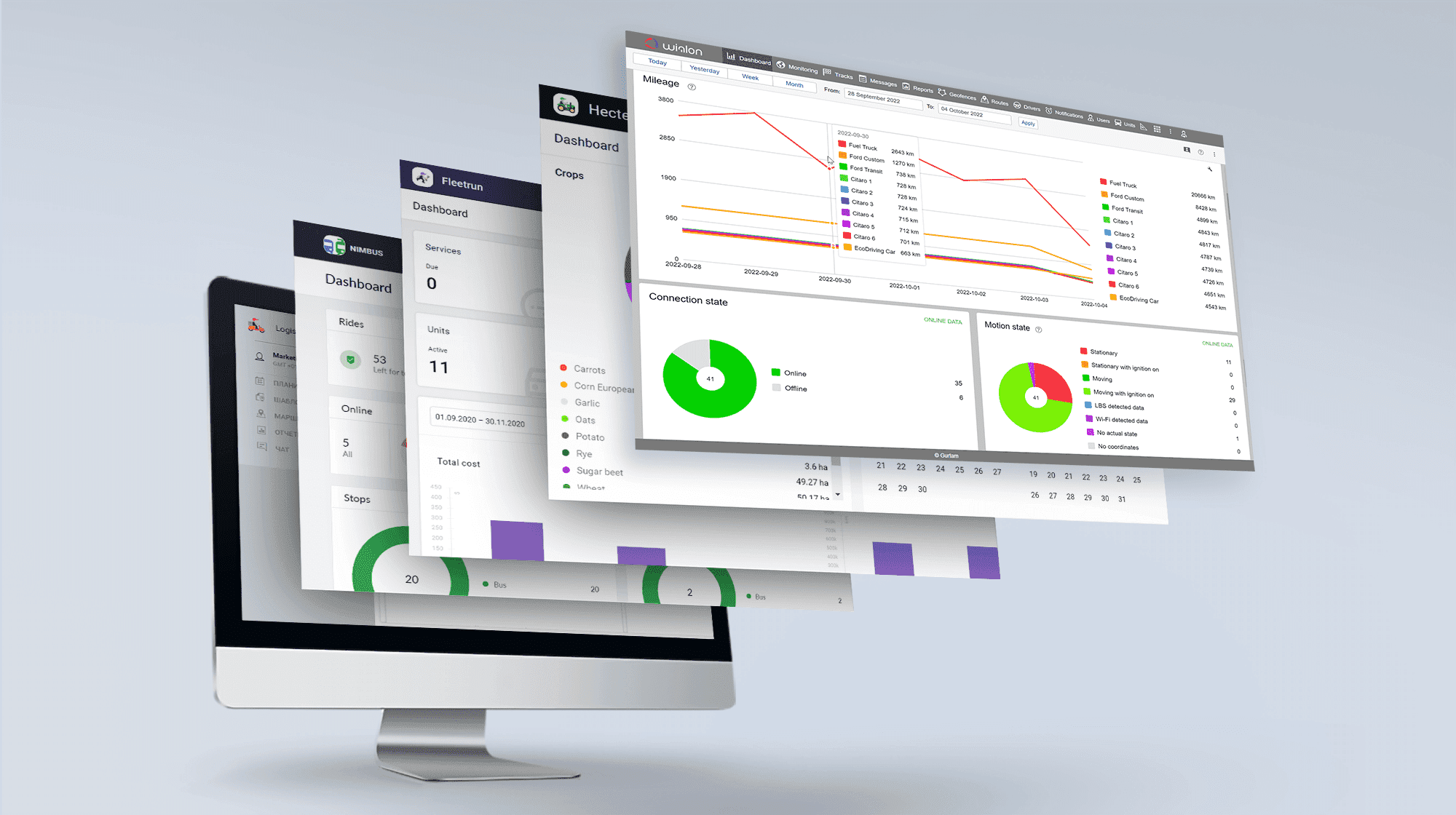
Manually reviewing trip sheets, odometer readings, and driver logs can make IFTA preparation time-consuming, especially for fleets operating across many jurisdictions. Wialon collects historical vehicle movement data and converts it into structured mileage reports for selected vehicles and reporting periods. Reports can also be exported in formats such as Excel, CSV, PDF, HTML, and XML, making the information easier to review, organize, and share with accounting personnel.
Maintain Clearer Records for Review and Verification
Wialon gives fleet managers access to detailed trip and jurisdiction records that can be compared with odometer readings, fuel receipts, and other supporting documents. Entry and exit times, travelled routes, and mileage totals can help teams identify missing information or unexpected discrepancies before completing an IFTA return. Although businesses remain responsible for verifying and submitting their tax information, Wialon provides a stronger data foundation for accurate recordkeeping.
Make IFTA Reporting Easier with Forall Tracking
Wialon IFTA Mileage by State or Province reporting can help your fleet spend less time calculating jurisdictional distance and more time managing daily operations. Forall Tracking can help configure the appropriate vehicle tracking, mileage, geofence, and report settings for your fleet’s needs. Contact us to learn how Wialon can simplify IFTA mileage recordkeeping for vehicles operating across the United States and Canada.
Frequently Asked Questions
What is IFTA Mileage by State or Province in Wialon?
Wialon IFTA mileage reporting organizes the distance travelled by tracked vehicles within individual states or provinces. These mileage records can support quarterly International Fuel Tax Agreement reporting and fleet recordkeeping.
How does Wialon calculate mileage by jurisdiction?
Wialon uses vehicle location data and configured geographic boundaries to determine where mileage occurred. Mileage can be calculated using GPS coordinates or compatible mileage sensor data, depending on the vehicle and system configuration.
Can Wialon track mileage inside state and provincial boundaries?
Yes. When states and provinces are properly configured as geofences, Wialon reports can show how much mileage was recorded inside each jurisdiction.
Does Wialon automatically detect when a vehicle crosses a border?
Wialon can identify when a tracked vehicle enters or leaves a configured jurisdictional boundary based on the GPS data received from its tracking device. Accuracy depends on location quality, reporting frequency, and boundary configuration.
What information can a Wialon jurisdiction mileage report include?
Depending on the report configuration and available tracking data, it can include the state or province, entry and exit times, time spent in the jurisdiction, mileage travelled, vehicle, assigned driver, average speed, and other operational information.
Can Wialon replace manual driver mileage logs?
Wialon can significantly reduce reliance on handwritten mileage logs by collecting vehicle movement data automatically. Fleets should still review the resulting records and retain any additional documents required for IFTA reporting.
Does Wialon automatically file IFTA returns?
No. Wialon provides mileage and location records that can support IFTA preparation, but the fleet remains responsible for reviewing the information, calculating its tax obligations, and submitting the required returns.
Does Wialon calculate the amount of IFTA tax owed?
Standard Wialon mileage reports focus on collecting and organizing operational data. Final IFTA tax calculations may require fuel-purchase records, current jurisdictional tax rates, credits, exemptions, and other information outside the mileage report.
Can Wialon track both interstate and interprovincial mileage?
Yes. With the appropriate geographic boundaries and report settings, Wialon can organize mileage for vehicles travelling between U.S. states, Canadian provinces, or both.
Can Wialon IFTA mileage reports be exported?
Yes. Wialon reports can be exported in formats including Excel, CSV, PDF, HTML, and XML. This makes the information easier to review, organize, and share with accounting or compliance personnel.
Can I run an IFTA mileage report for a specific quarter?
Yes. Users can select the reporting period needed for their records, including the dates corresponding to an IFTA quarter, provided the required historical tracking data remains available in the account.
Can I generate jurisdiction mileage reports for multiple vehicles?
Yes. Wialon supports reports for individual vehicles and vehicle groups, allowing fleets to review jurisdictional mileage across multiple tracked units.
Can Wialon separate mileage for each vehicle?
Yes. Mileage records can be organized by tracked vehicle, helping fleets associate jurisdictional distance with the correct truck or other commercial vehicle.
How accurate is Wialon IFTA mileage data?
Accuracy depends on the GPS tracking device, message frequency, satellite reception, mileage-counter method, trip detector, geographic boundaries, and system configuration. Proper installation and regular data review can improve reporting reliability.
Can Wialon mileage be matched with fuel receipts?
Wialon jurisdiction mileage records can be compared with fuel receipts and transaction records during IFTA preparation. Fuel documents should still be reviewed independently to confirm dates, locations, quantities, and vehicle assignments.
What happens if a GPS device temporarily loses its signal?
Temporary data gaps may affect mileage allocation near jurisdictional borders or along a route. Fleets should review missing or unusual data before using the report for IFTA preparation.
Can Wialon show when a vehicle entered and left a state or province?
Yes. Properly configured geofence reports can show when a vehicle entered and exited a jurisdiction, along with the duration and mileage recorded within that area.
Can Wialon help identify mileage discrepancies?
Yes. Fleet managers can compare reported mileage with odometer readings, trip records, routes, and fuel documents to identify unexpected totals, missing data, or possible configuration issues.
Is Wialon IFTA mileage reporting suitable for large fleets?
Yes. Wialon can organize tracking and mileage information for fleets with multiple vehicles operating across numerous jurisdictions. Reports can be configured around the fleet’s vehicles, groups, and reporting requirements.
Can Forall Tracking help configure Wialon for IFTA mileage reporting?
Yes. Forall Tracking can help configure compatible tracking devices, mileage settings, geographic boundaries, and reports for jurisdiction-level mileage records. Contact us to discuss the requirements of your fleet and IFTA reporting process.

Check Pricing
Explore GPS fleet tracking solutions tailored to your business needs and budget.

Return on Investment
See how GPS fleet tracking can help improve efficiency, reduce costs and increase visibility across your fleet.

Request a Demo
Get a live, one-on-one demonstration and see how Forall Tracking can help your business.
For more information, or to schedule a demo or an installation,